ضغط الفيديوهات عبر الإنترنت - آمنة وسرعة
خفض حجم ملف الفيديو الخاص بك مع جودة قابلة للتعديل
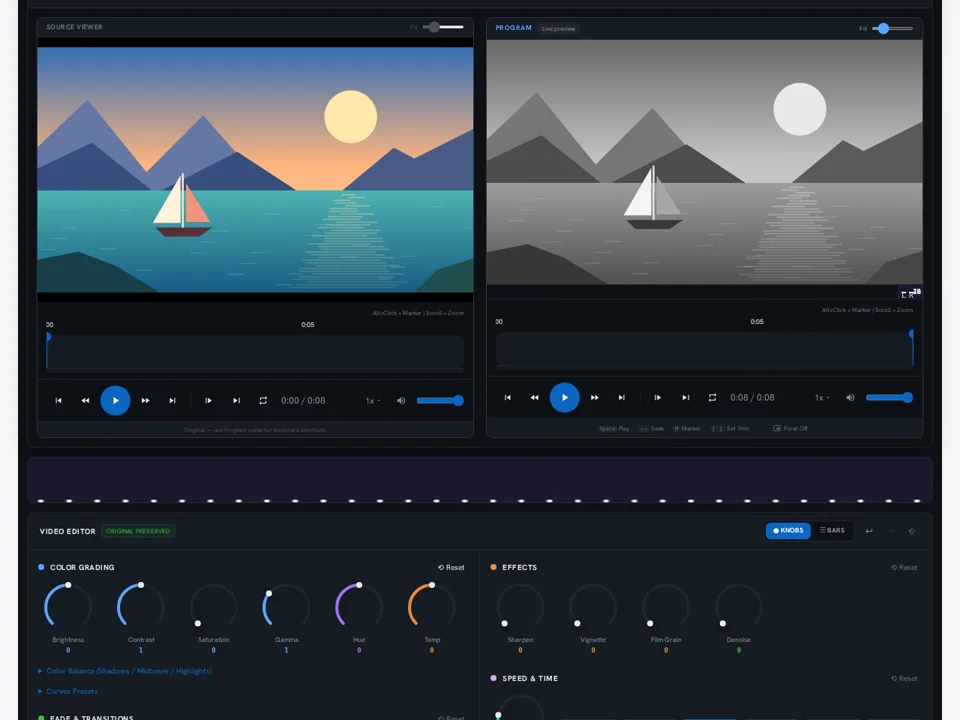
ضغط الفيديو is an online video application on MiOffice AI. خفض حجم ملف الفيديو الخاص بك مع جودة قابلة للتعديل. Local processing depends on your device and file. Cloud processing uploads files and uses credits; review the processing mode before starting.
خفض حجم ملف الفيديو الخاص بك مع جودة قابلة للتعديل. يدعم MP4 ، MOV ، AVI ، WebM ، و MKV ضغط ما يصل إلى 90٪ مع الحفاظ على جودة المشاهدة.
How It Works
- Step 1. Upload your video
- Step 2. Choose quality level
- Step 3. Download your result
Related Applications
Frequently Asked Questions
Local processing is available only when the enabled mode and task eligibility allow it. Review the mode shown in the tool; cloud processing uses a different access and credit flow.
No. Duration, motion, resolution, and source quality all affect the result. Check the downloaded size against the destination's limit. If it is still too large, try a smaller resolution or a stronger compression setting and review readability and motion again.
About ضغط الفيديو
Reduce video file size dramatically while maintaining watchable quality. Perfect for email attachments, messaging apps, and social media uploads.
Key Features
How to Use ضغط الفيديو
- 1Upload Video — Drag and drop your video or click to browse.
- 2Set Compression — Choose quality level: High, Medium, or Maximum compression.
- 3Download — Process video and download the compressed version.